
Download the app to your phone and cast to your TV. Took me like 3 minutes and not complicated at all.


-best things to say when someone let's loose an audible fart:
1. That sounds tampered with.
2. That's gonna itch when it dries.
Uhh. Which app?Download the app to your phone and cast to your TV. Took me like 3 minutes and not complicated at all.


WTF. Is this English?If you don't have a Fire Stick, you can stream Live Net TV on your Roku. Simply download the BlueStacks Emulator and install it on your PC. Then on your web browser, search for LIve NetTV and download the Live NetTV APK file. Launch BlueStacks and Install APK. Open the Live NetTV APK and it will be installed on your PC via BlueStacks. Launch Live NetTV. Press Windows + K keys on your keyboard simultaneously. Choose Roke device from your list of devices. Now, on your television you will need to choose Allow. But first you must set up screen mirroring. To do that, press the Home button on your remote an choose Settings > System. Choose the Screen mirroring option and then the Screen mirroring Mode option. Choose the Prompt option to always ask your permission each time before mirroring other devices on Roku.
Pretty simple. This is how I watch my Blue Jays.


 ) but I just stopped the UK fan life I lived cold turkey out of time necessity.
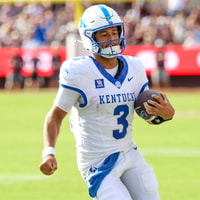 KSR Football
They Call Him Floyd: Why Kenny Minchey has Mayweather Moniker
KSR Football
They Call Him Floyd: Why Kenny Minchey has Mayweather Moniker
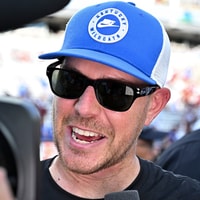 KSR Football
Will Stein didn't go to bed until 2 AM after Kentucky's win over Texas A&M
KSR Football
Will Stein didn't go to bed until 2 AM after Kentucky's win over Texas A&M
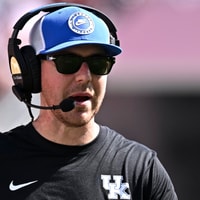 KSR Football
Will Stein shared a special moment with his dad after the win
KSR Football
Will Stein shared a special moment with his dad after the win
 KSR Football
WATCH: KSR explains why Kentucky's win at Texas A&M was one of the best in program history
KSR Football
WATCH: KSR explains why Kentucky's win at Texas A&M was one of the best in program history
 KSR Cats in the NFL
Stevie got loose over Niagara Falls
KSR Cats in the NFL
Stevie got loose over Niagara Falls


